YouTube Filming & Video Editing
Quick overview
Course details
About this course
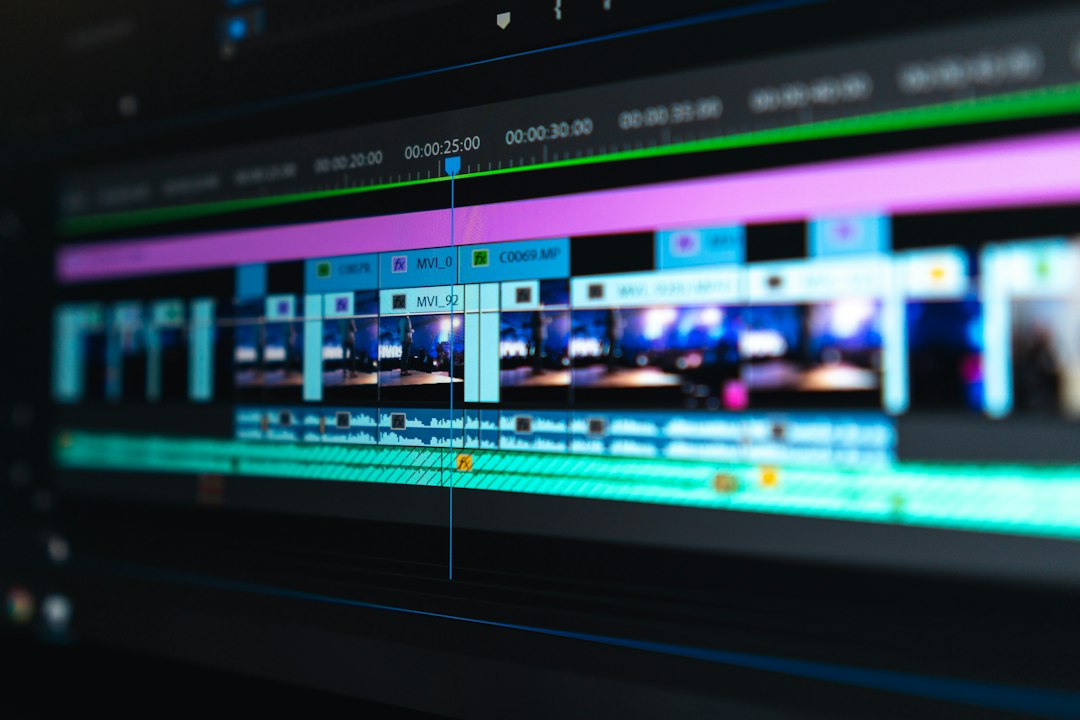
Good production is less about owning the most expensive equipment and more about making deliberate choices. This hands-on course covers simple recording setups, lighting, clear audio, screen capture, B-roll and an organized post-production workflow. You will assemble a rough cut, improve pacing, clean up sound, use graphics with restraint and export reliable files for YouTube. The lessons are tool-agnostic so you can apply the principles in the editor and recording tools that suit your budget.
What you will learn
- Plan an efficient shoot with a clear shot list.
- Capture understandable audio, good lighting and usable footage.
- Record tutorials and B-roll with fewer avoidable mistakes.
- Edit footage for clarity, pace, captions and visual continuity.
- Deliver a YouTube-ready video using a quality-control checklist.
Who this course is for
Beginner YouTubers; tutorial creators; small business educators; creators who want to improve production quality with existing gear.
Prerequisites
Phone, camera or computer; access to a basic video editor; space to record a short practice video.
Final project
Publish-Ready Video Project: shot list, recordings, rough cut, final edit, accessible captions and export checklist.
Learning resources
- Recording setup checklist
- Shot list template
- Editing workflow worksheet
- Pre-upload QC checklist
Learning format: Self-paced · 3 modules · 6 lessons · A practical activity in every lesson · Suggested 2-week study plan.
Course level: Beginner-Intermediate
Course-specific questions
Which editing software is required?
No specific brand. Use an accessible editor that can trim clips, arrange audio and export MP4.
Can I film on my phone?
Yes. The lessons start with fundamentals that apply to phones and cameras.
Do I need paid equipment?
No. You will first optimize the tools and recording conditions already available.
Recommended next course: YouTube Titles, Thumbnails & Discovery.
Course curriculum
Start with the first free-preview lesson, then move through the modules in order and complete the hands-on exercises.
Course Curriculum
Prepare a Reliable Recording
-
Set Up Camera, Audio and Lighting
00:00 -
Plan Shots and Screen Recordings
00:00
Edit a Clear Video
-
Assemble a Strong Rough Cut
00:00 -
Improve Pacing, Sound and Continuity
00:00
Finish for YouTube
-
Add Captions and Useful Graphics
00:00 -
Export and Quality-Check Your Video
00:00 -
C04 — Filming & Editing Knowledge Check
A course by
-
LevelBeginner
Secure checkout. Your course appears in your student dashboard after confirmed payment. The first lesson is available as a preview.
Keep building your creator skills.
Explore other courses in the academy and choose the next challenge in your learning journey.